Simmer Blog

Tips, guides, and walkthroughs for technical marketers

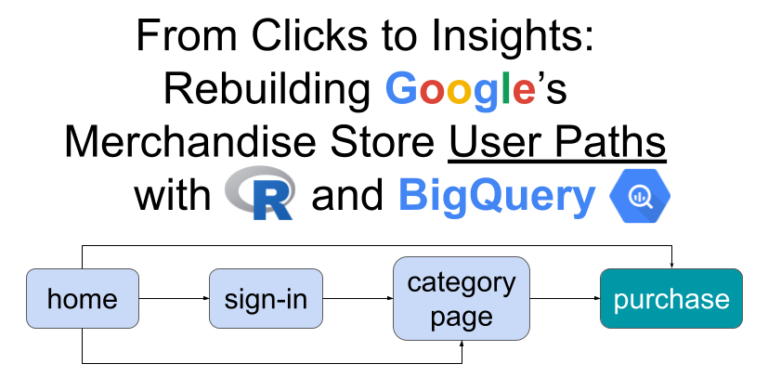
Guest post by Arben Kqiku detailing how to use R and BigQuery to perform path analyses with GA4 data.
How to deploy server-side Google Tag Manager with a same-origin setup using a subfolder of the website.
How to use the Firebase SDK to send app data to server-side Google Tag Manager.

Get the latest technical marketing insights

Join 2000+ others and get the latest technical marketing news, tips, content, and courses delivered straight to your inbox.

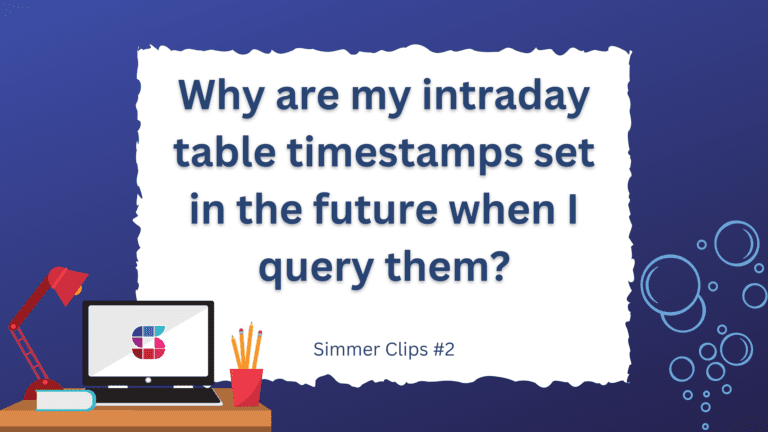
The event_timestamp field in the Google Analytics 4 export to Google BigQuery is in UTC time by default. Since intraday tables are updated near realtime, it might sometimes look odd that some of your events are in the future (or too far in the past).
In this blog post, we'll take a look at how you can change the default table expiration and the table-specific expiration in Google BigQuery.